Overview
What's inside?
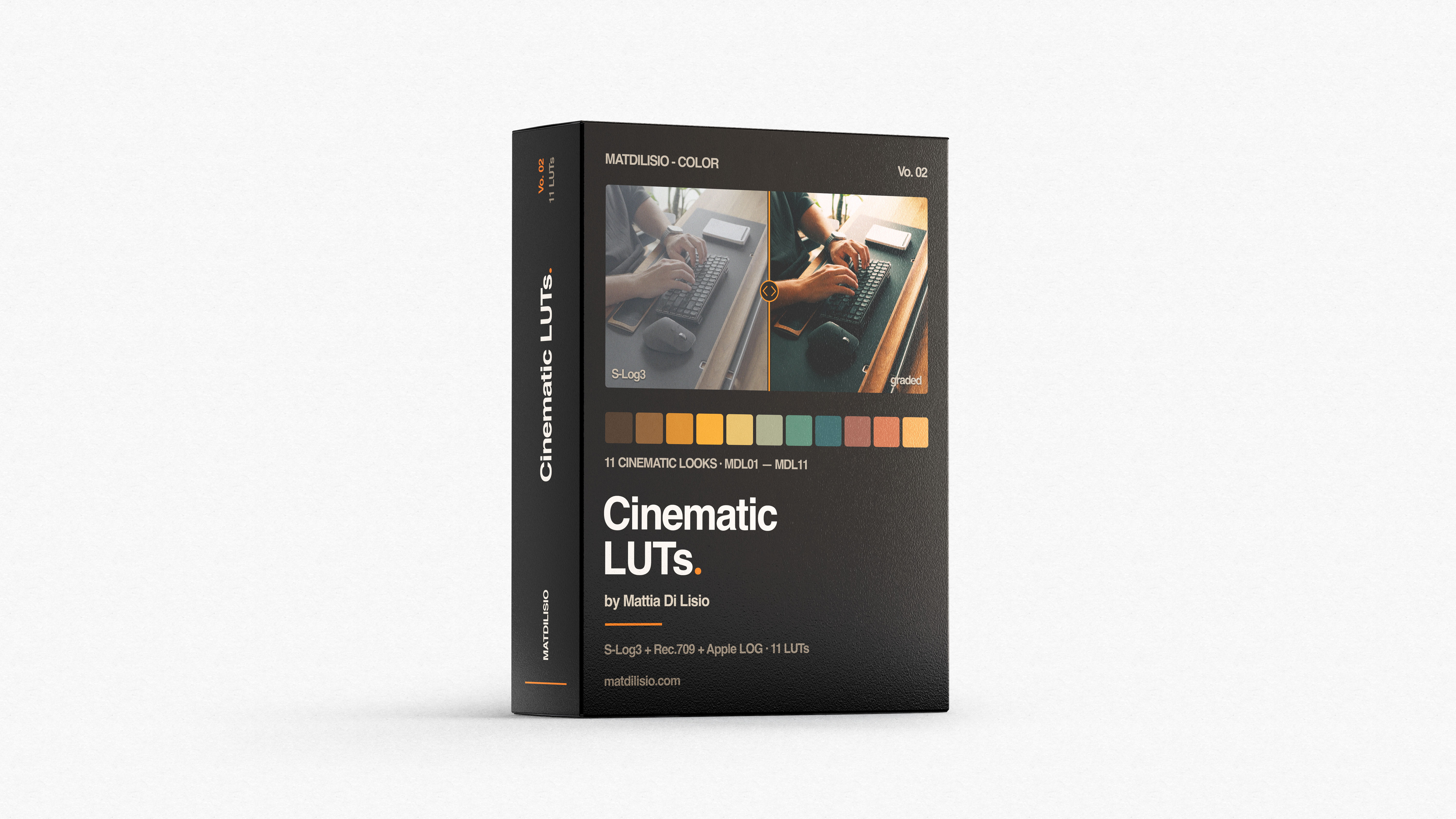
11 Creative LUTs (for Rec.709, Sony S-Gamut3.Cine S-Log3, and Apple LOG)
3 Conversion LUTs (1x Apple LOG → Rec.709, 2x S-Log3 → Rec.709)
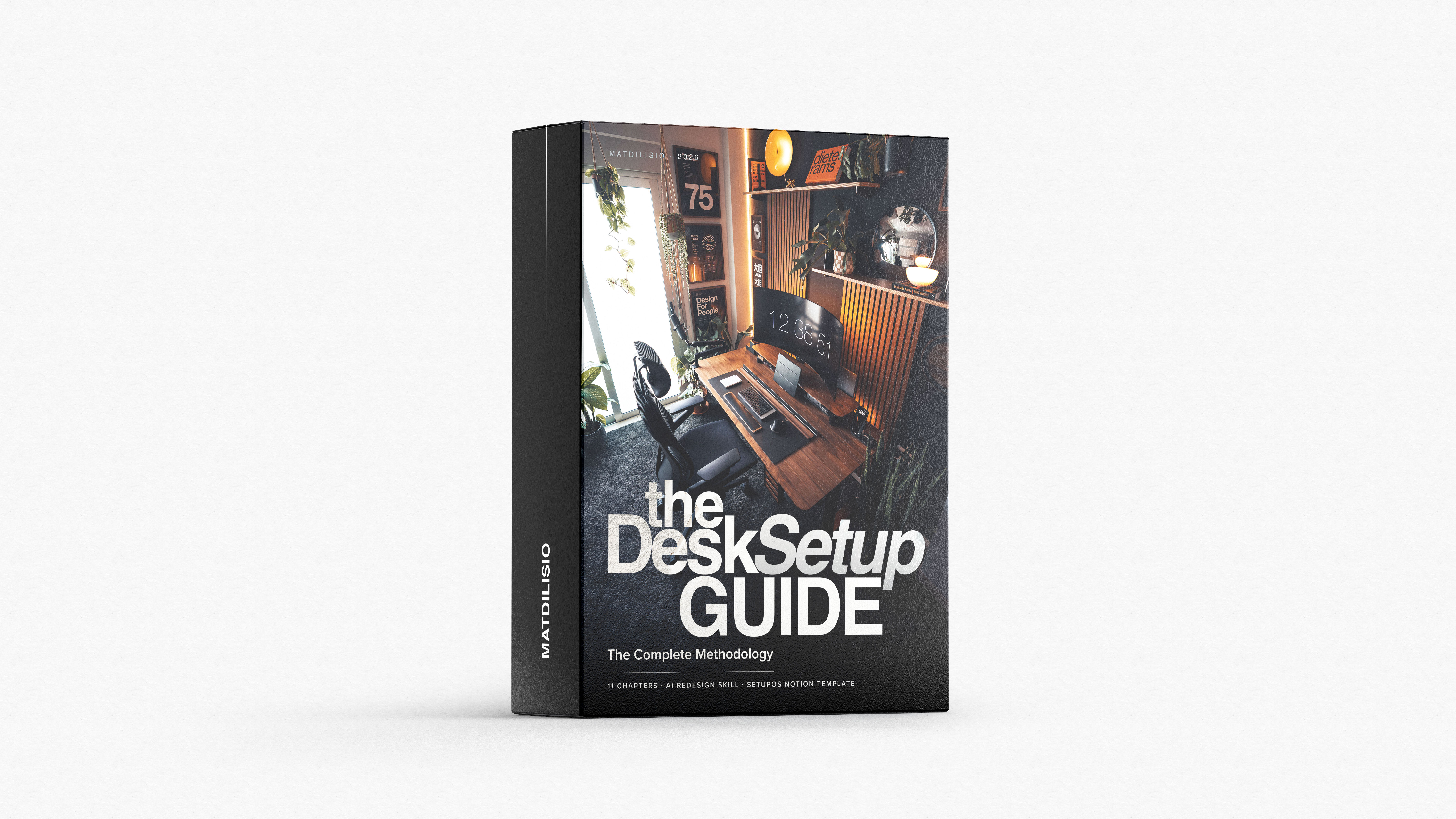
Notion Guide on how to install and use the LUTs effectively
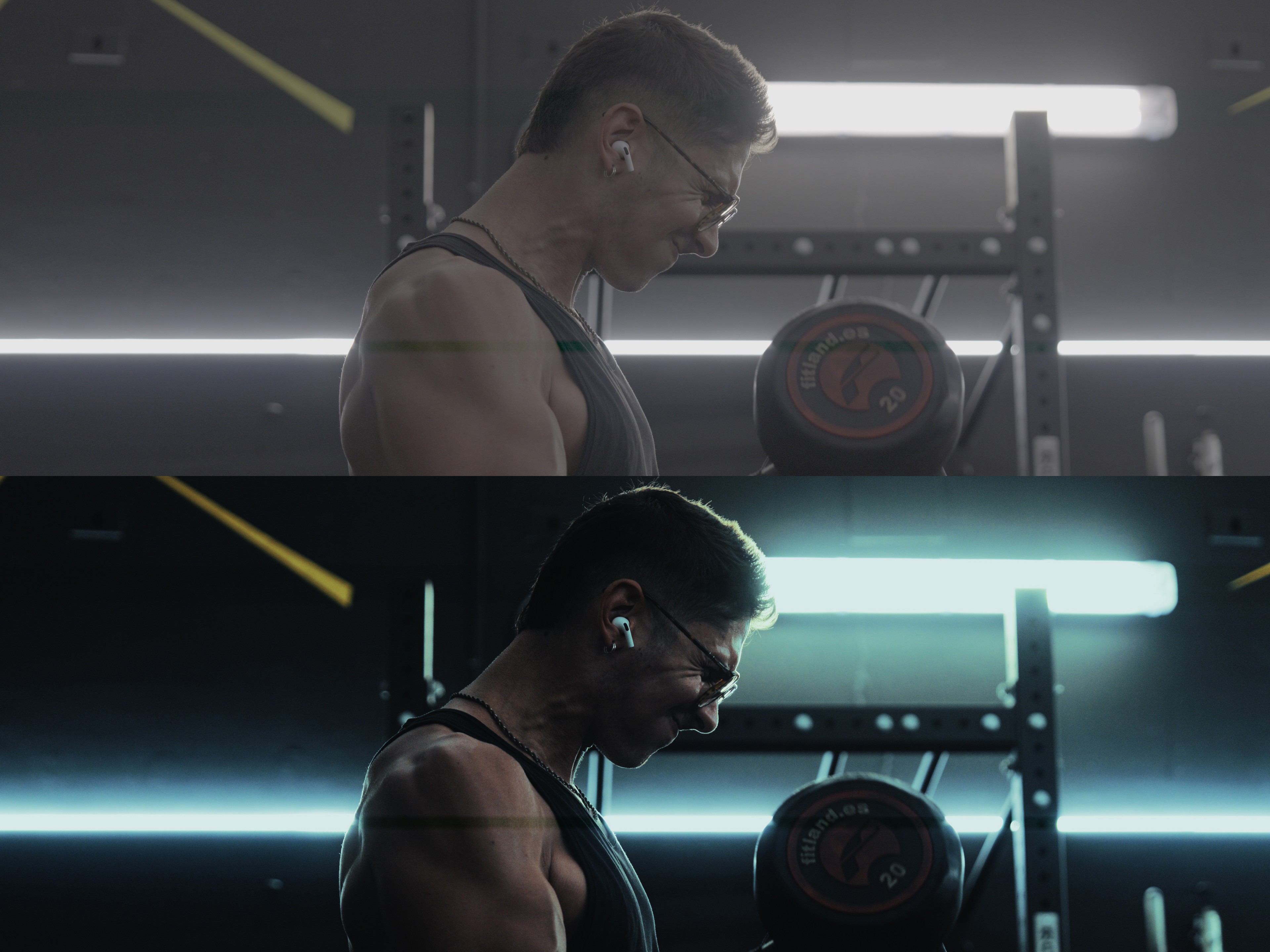
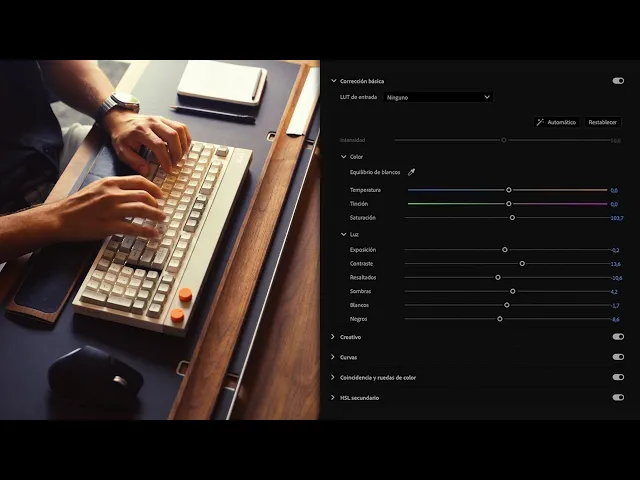
Watch how each LUT transforms RAW S-Log3 footage into cinematic visuals. From the untouched clip to a range of distinct cinematic looks, you'll see exactly how they perform across different scenarios — with split-screen previews of the Lumetri Color settings used in each edit.
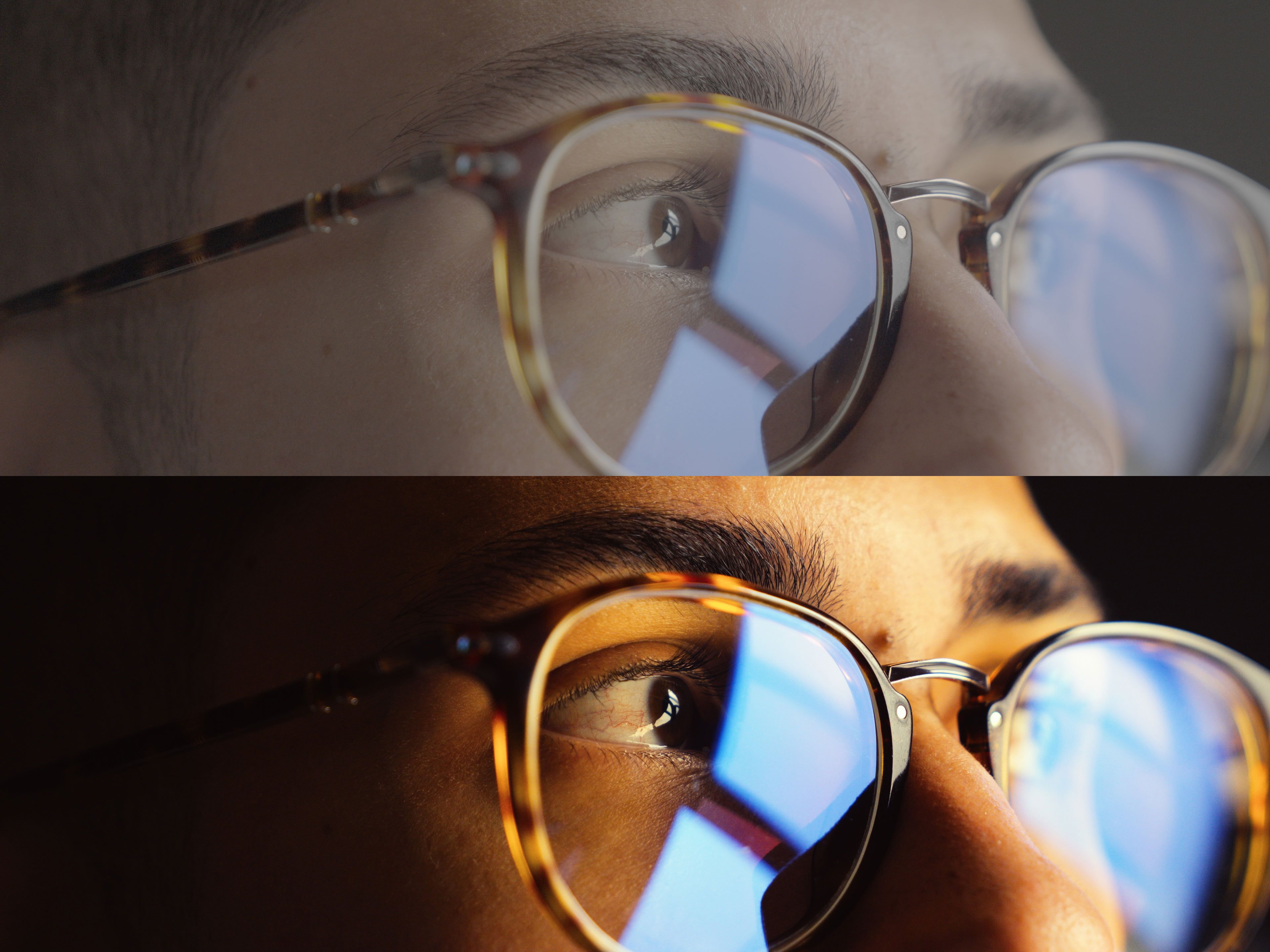
From iPhone LOG to Cinematic
Shot on iPhone 16 Pro Max in Apple LOG — here's the before and after of applying my cinematic LUT (MDL01).
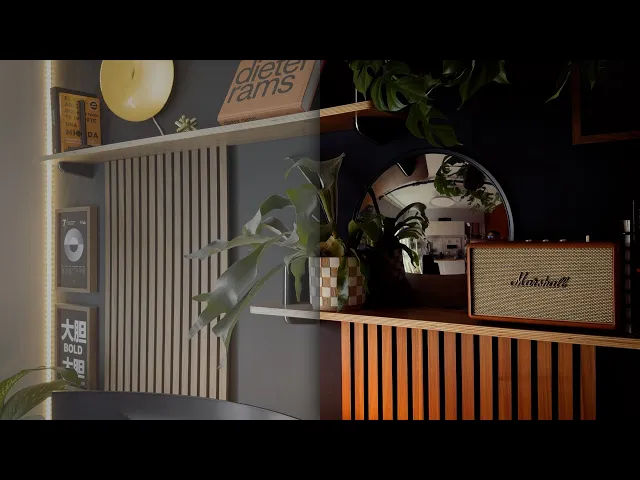
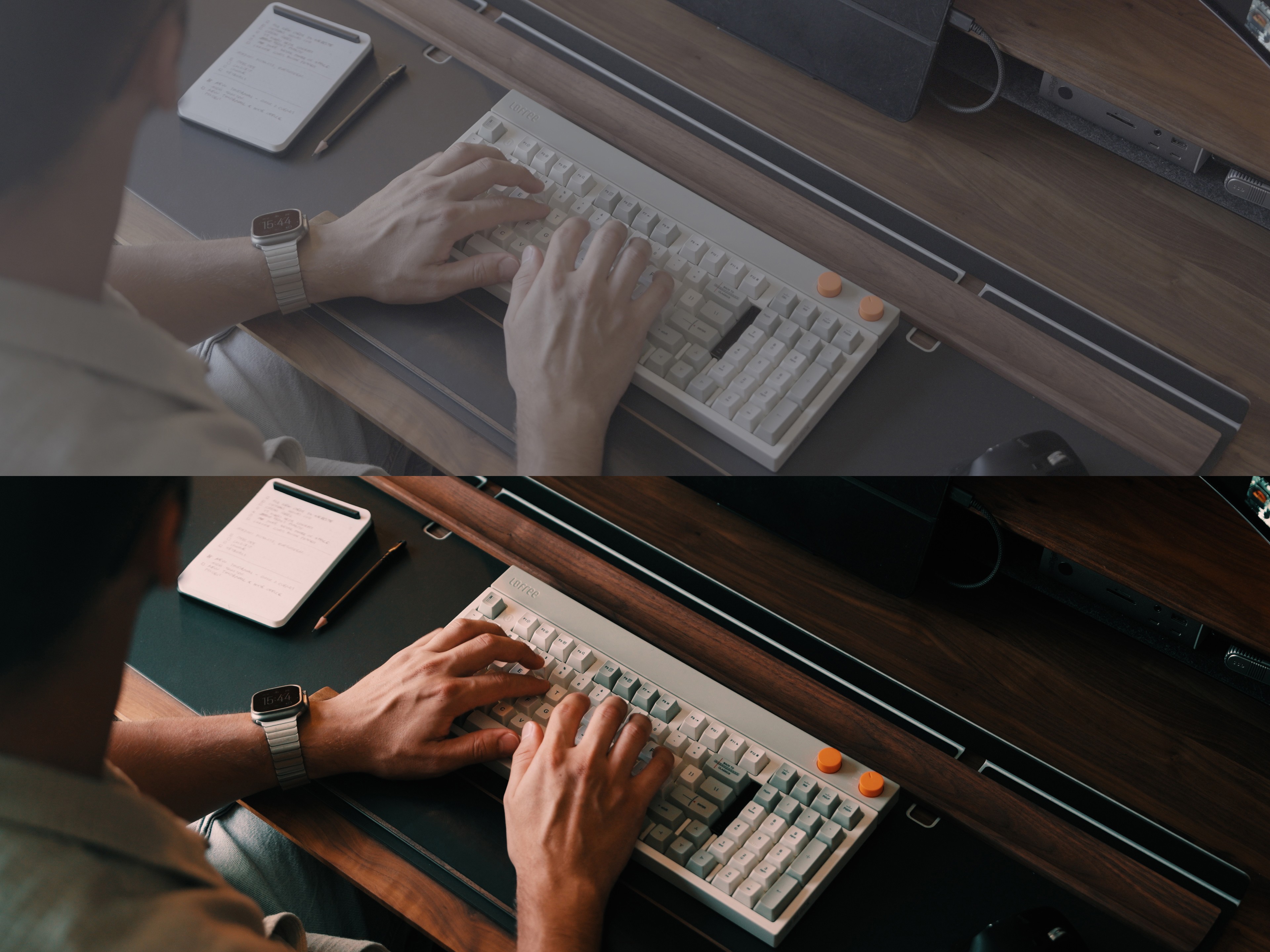
Before & After: Raw to Cinematic
Drag to compare the flat S-Log3 footage against the final graded look using my Cinematic LUTs — and see how each LUT instantly adds depth, mood, and film-like tones.

Tips for best results
Get the most out of your LUTs and adapt them seamlessly to your style with these best practices:
Fine-Tune the Look Apply the LUT, then lower its intensity to around 80–90% and adjust your footage's contrast, highlights, shadows, saturation, and exposure. This way, you preserve the cinematic tones while making the look your own.
Use Adjustment Layers Always apply LUTs on a layer above your clips. This lets you keep basic light adjustments (exposure, contrast, temperature) on the original footage without interfering with the grade.
Shoot in Flat Profiles These LUTs work with any footage, but they perform best on flat picture profiles (LOG C, S-LOG, C-LOG, etc.), giving you more dynamic range and flexibility in grading.
Match LUTs to Your Footage Use Rec.709 LUTs for corrected or standard-profile clips, and LOG LUTs for uncorrected LOG footage. This ensures the right balance and avoids color mismatches.
Adapt to Lighting Conditions
LUTs MDL04, 05, and 06 shine in low-light scenes.
If the LUT looks too green, add a touch of magenta.
If the grade feels too cold, slightly warm up the temperature.
If the look feels too intense, lower the contrast and adjust intensity until it fits your style.
Play with saturation—sometimes pulling it back or pushing it slightly gives the most natural, cinematic feel.
Remember: every lighting situation is different. These LUTs are a starting point—basic light adjustments will always be needed to perfect your grade.
Drag to compare the flat S-Log3 footage against the final graded look using my Cinematic LUTs — and see how each LUT instantly adds depth, mood, and film-like tones.
Compatible with Adobe Premiere, Final Cut X, DaVinci Resolve, Photoshop, and any other software that utilizes 3D LUTs.
Be sure to tweak basic adjustments like the exposure, highlights, and shadows of your footage to match your desired style.
Although these LUTs are designed to be compatible with any footage, you'll achieve the best results if your clips are shot in a flat picture profile, such as LOG C, SLOG, or C-LOG, for enhanced dynamic range.
Disclaimer: Read Before Buying
On my page @matdilisio I use a plugin called Dehancer Pro, which is a film emulation plugin for Premiere Pro, to give my videos a film look. With this plugin I only add film grain, halation and bloom, which are visual effects typical of old films. If your goal were to achieve this effects with my LUTs I stop you before buying, since this won't be possible unless you use Dehancer Pro as well.
I personally bought the plugin with my own money and reached out to the Dehancer team afterwards to be part of their affiliate program since I truly enjoy using their product. If you're interested in buying the plugin you can use my discount code "MATDILISIO" for a 10% off on your purchase.
Specifications
Compatible with Apple LOG
Free Lifetime Updates
Guide Included after Download